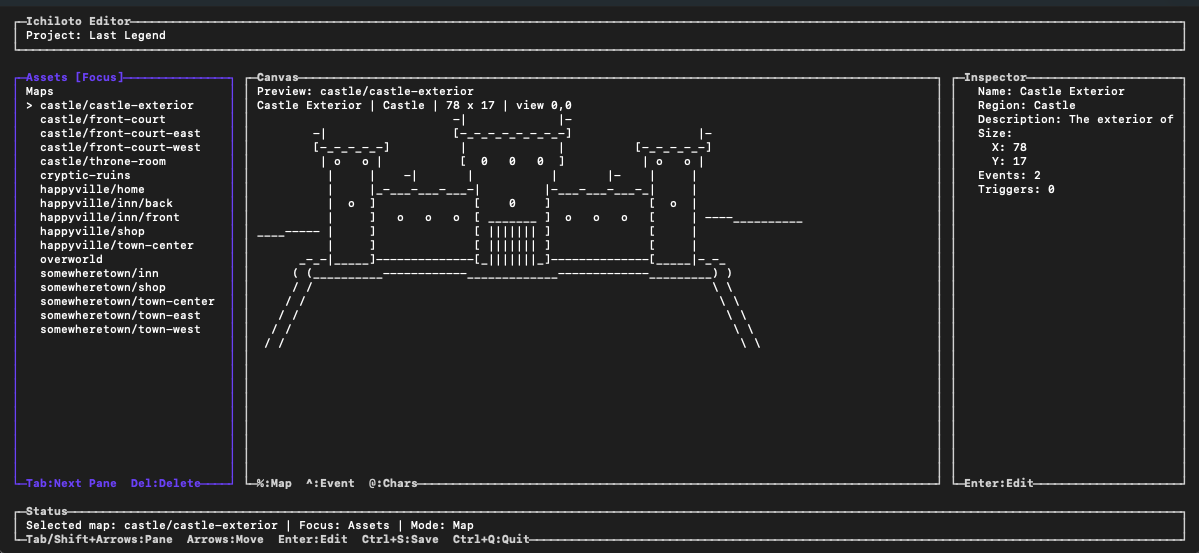
A story scene is more than a sequence of dialogue boxes. It may need to move the camera, position a cast, coordinate actions, wait for presentation to finish, and leave the world in a valid state whether the player watches or skips it.
Use the Editor's Cutscenes workspace to author cinematic timelines and preview their structure. Timelines can coordinate dialogue, camera routes, cast actions, waits, checkpoints, and project-defined commands across presentation lanes.
Define the scene's contract first
Before filling the timeline, decide:
- what map and story condition trigger the scene
- which actors or NPCs belong to the cast
- what must be true when normal playback finishes
- what must still be true if the player skips
- where progress can safely checkpoint or resume
That contract keeps presentation detail from obscuring the state change the story actually needs.
Design normal and skipped playback together
Skip behavior is part of the scene, not an afterthought. A skipped cinematic still needs to apply required final state: positions, flags, party changes, rewards, or other consequences that later events depend on.
Use finalizers for outcomes that must happen on every valid exit path. Preview normal and skipped playback while authoring so both routes converge on the same required world state.
Make resumable events safe
Story-event execution can pause and resume, including across save and load. Place checkpoints at boundaries where the project state is coherent. Avoid depending on a temporary visual action to carry essential story meaning unless the corresponding persistent state is also recorded.
When an event branches, validate every destination and ensure each branch can reach a valid completion or checkpoint. Keep irreversible rewards and permanent state changes behind conditions that prevent them from being applied twice.
Preview, validate, then play in context
Use timeline previews to check structure and timing, then run project-wide validation:
ichiloto validateFinally, play the scene from its real map trigger. A technically valid timeline can still feel too slow, frame dialogue poorly, or fight the map's composition. The authoring preview, validator, and full runtime each reveal a different class of problem.