Create a project with a name that matches the world you are building:
ichiloto new my-rpgThat project directory becomes the home for your configuration, assets, maps, and project-specific PHP code.
ichiloto new also forges starter title art so the project boots with a real title scene presentation instead of a blank system file.
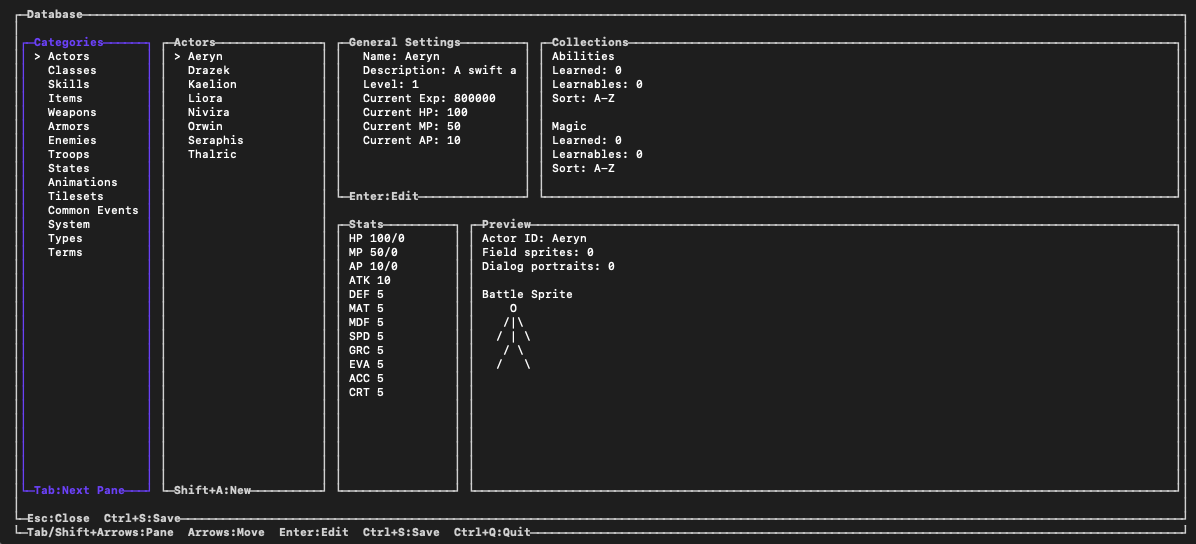
At this stage you are not trying to produce a finished layout. You are only aiming for a shell with:
- a valid project config
- an entry point the engine can run
- a place for maps and assets to live
- a starter FIGlet banner for
assets/Graphics/System/title.txt - a stable project identity and save-compatibility manifest
- a predictable working directory for
ichiloto editandichiloto play
Once the shell exists, the editor and runtime can collaborate around it. That is why scaffolding matters in Ichiloto: it is less about ceremony and more about giving the engine and the authoring tools a shared place to stand.
When you want to revise the banner later, reforge it from the CLI:
ichiloto generate:figlet "Moonfall Legend" --output assets/Graphics/System/title.txtKeep the generated project identity unchanged after players have created saves.
It is how the engine knows that a save belongs to this game. When content is
renamed or retired later, record that change in
assets/Data/save-compatibility.php rather than reusing an old identity for a
different actor, item, quest, or map.