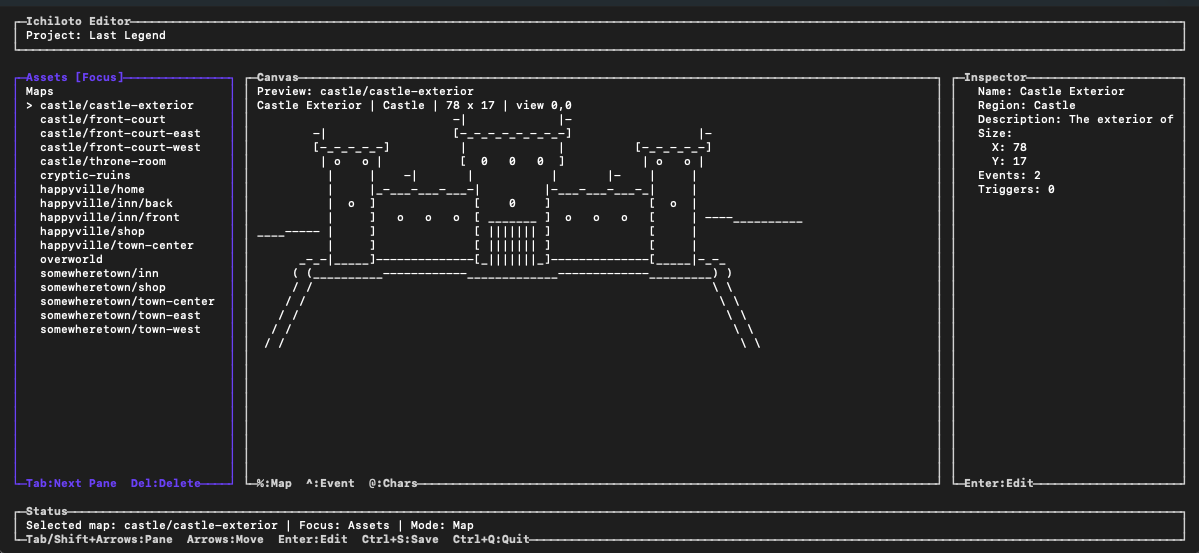
The guide is written for makers who want momentum.
It starts with the terminal workflow that gets a project on disk quickly, then moves outward into worldbuilding, event authoring, battle setup, and the short iteration cycle that keeps a game playable while it is still growing.

Compared with a traditional RPG editor manual, this guide leans harder into the command-line and terminal-native identity of Ichiloto. The categories still cover the same broad concerns you would expect from a classic RPG workflow, but they are reframed around the way Ichiloto wants you to work:
- First Steps gets the CLI and project shell in place.
- Worldbuilding covers maps, actors, and structural data.
- Scenecraft focuses on interaction, dialogue, events, and encounters.
- Battle Rhythms explains combat pacing and system choice.
- Summons turns battles into spectacle with authored cinematics and wielder rules.
- Tooling Loop keeps attention on iteration, playtesting, and project upkeep.
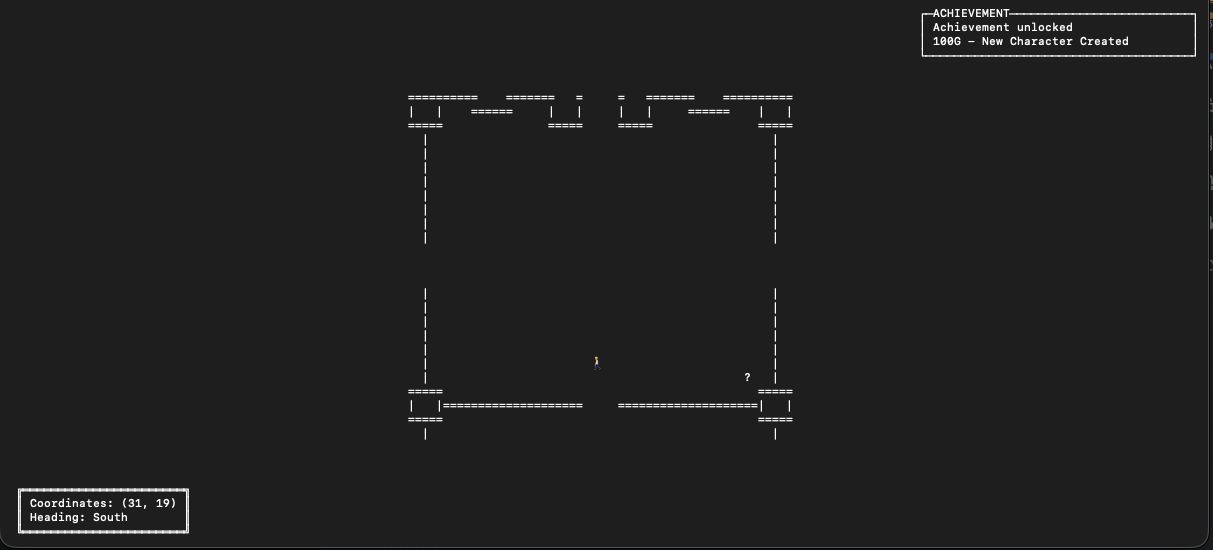
If you are completely new to the engine, begin with Getting Started.